Inside Mail: an inbox you can actually finish
Project correspondence does not belong in personal inboxes. A deep dive into Mail: the three-pane design, mailboxes, labels, and the dispositions that turn reading into deciding.
The fluxems team · Product
Every construction dispute has the same first chapter: someone searching a personal inbox for an email from eleven months ago. Project correspondence is a project record, but on most jobs it lives scattered across the private mailboxes of whoever happened to be on the thread. When a person leaves, their slice of the record leaves with them. We built Mail so the project owns its correspondence, and so the inbox itself is something you can finish rather than fight.
Why not just use email?
Email is private by default. A project record needs the opposite: correspondence that belongs to the project, visible to the right roles, linked to the documents and RFIs it concerns, and still there when the team changes. In fluxems, every message is a project record from the moment it is sent. Nobody has to remember to file it, forward it, or CC a dummy address. The full model is in how project Mail works.
Three panes, zero mystery
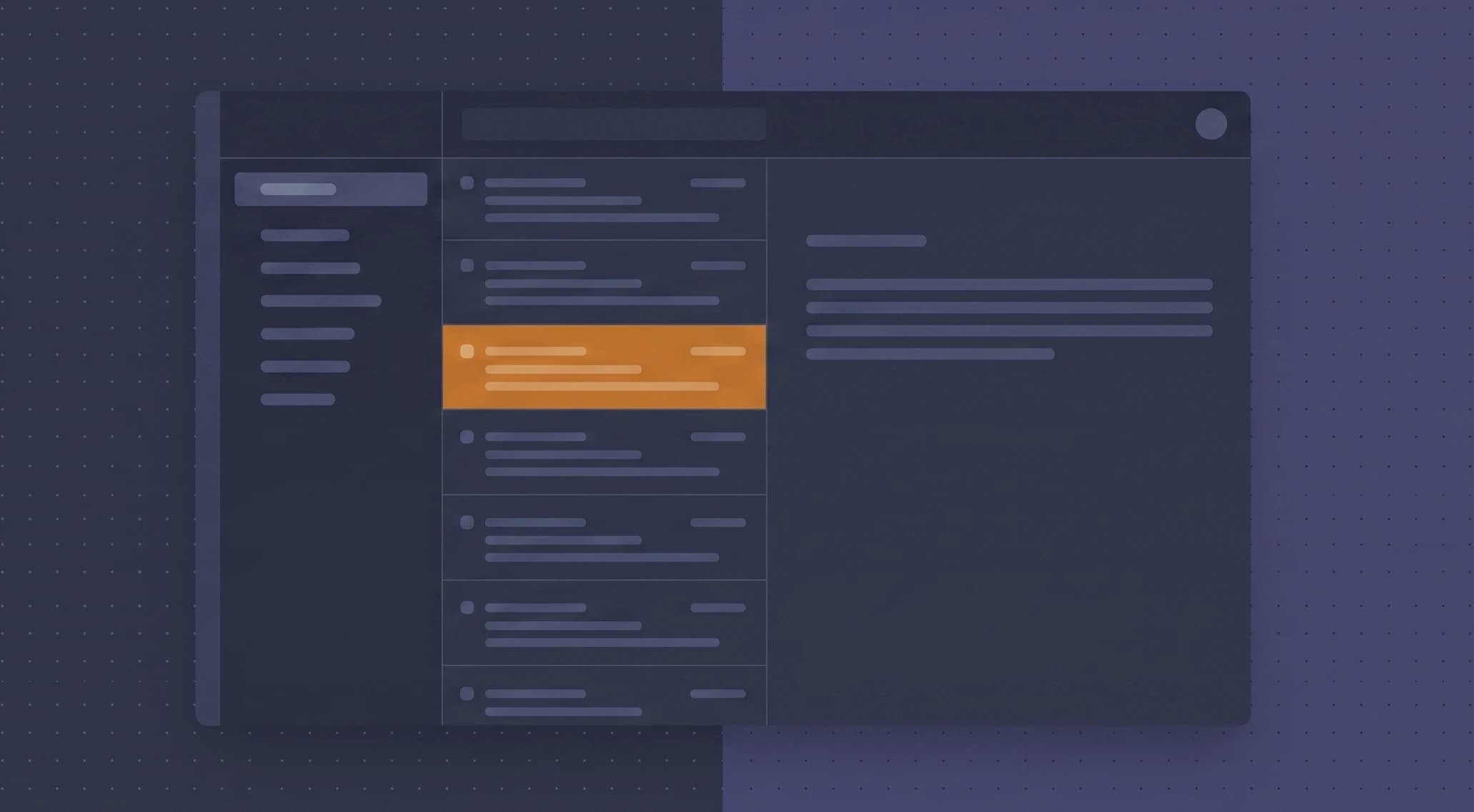
The layout is deliberately familiar: mailboxes on the left, the message list in the middle, the open item on the right. You already know how to use it. The left rail carries the mailboxes: Inbox, Saved, Sent, RFIs, Documents, Drafts, Archive, and Trash. RFIs and Documents are the interesting two. Correspondence that carries a transmittal or an RFI is not buried between newsletters and lunch plans; it lands in a mailbox scoped to that kind of work, so the person doing document control can live in one list.
Labels say what a message needs from you
Every item can carry a label that describes its demand on you, not its topic: Action Required, For Information, Acknowledged, or Superseded. That last one matters more than it looks. Drawings get reissued, and the old transmittal is still a record but no longer the truth. Marking it Superseded keeps the history without letting anyone build from it. Filter the inbox to Action Required and you are looking at your real workload. The full triage flow is in triage with labels.
Dispositions: reading becomes deciding
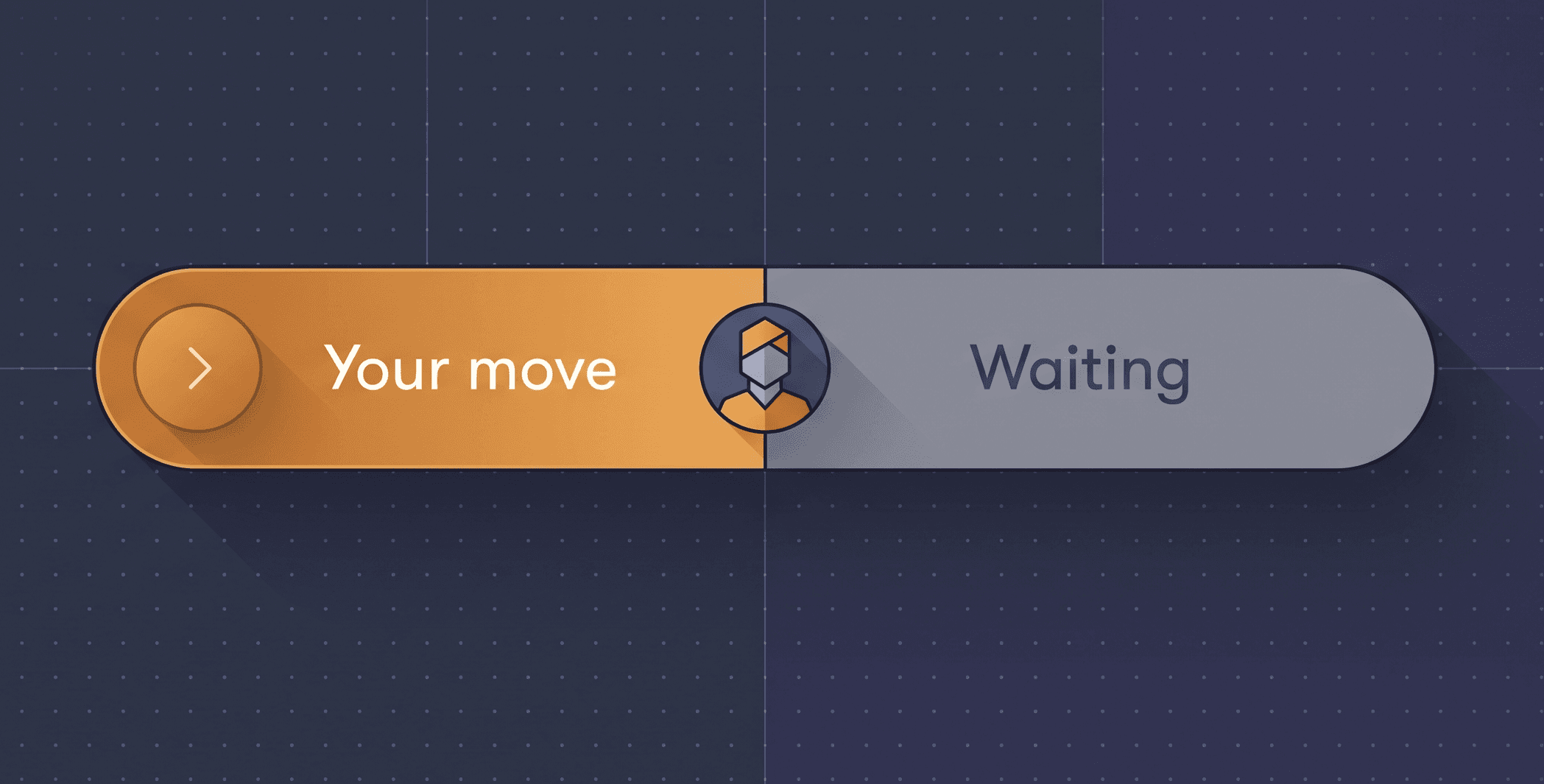
The core design goal was an inbox you can finish, and the mechanism is the disposition. Opening an item is not the end of handling it; every message that needs something from you offers the specific decisions it can take. A transmittal offers Acknowledge, Request revision, or Raise query. An RFI offers Answered, Need clarification, or Forward to consultant. One click records the decision, moves the ball, and clears the item from your queue.
Dispositions are records, not shortcuts
Each disposition is stamped with who took it and when, and it lands in the audit trail like any other project action. "We acknowledged that transmittal on the 14th" stops being a claim and becomes a lookup.
Finishable, on purpose
A personal inbox never ends because it mixes everything into one stream and offers only one verb: reply. Mail narrows both. Mailboxes split the stream by kind of work, labels sort it by what it demands, and dispositions give every item a way to be done. When the Action Required filter is empty, you are finished. Not caught up for now. Finished.
Mail is included on every fluxems project. See the full picture on the Mail solution page, or talk to us about moving your project correspondence out of personal inboxes.